
Replacing Meraki and Cisco with Ubiquiti UniFi: Enterprise Networking With Zero License Fees
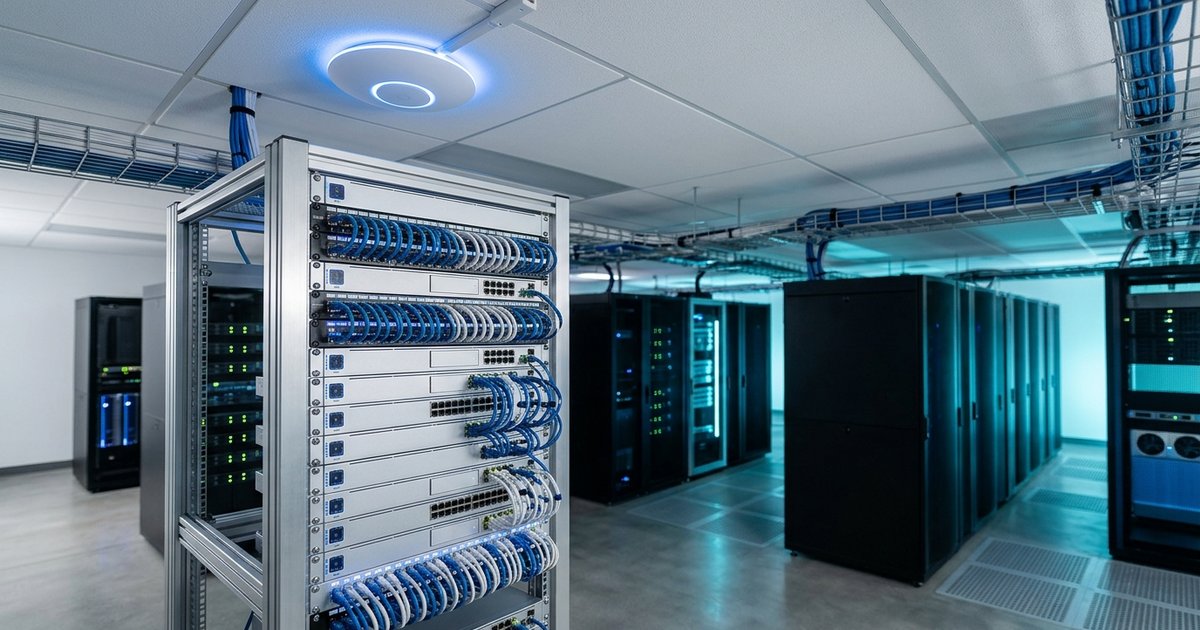
Tired of the Meraki and Cisco license tax? See how Ubiquiti UniFi delivers enterprise networking with no recurring license fees and thousands in savings.
Your Meraki renewal notice just landed. The number is bigger than last year, and nothing about your network has changed. Worse, you know that if you don't pay it, the switches and access points you already bought will stop working.
That's the license tax on modern networking, and a growing number of small and mid-sized businesses are deciding they're done paying it. Ubiquiti UniFi offers comparable enterprise features with no recurring license fees, and it's becoming the default recommendation for cost-conscious offices.
The "Hardware Ransomware" Problem
Traditional vendors have shifted from selling hardware to selling subscriptions that happen to include hardware.
- Cisco Meraki requires an active per-device license, billed annually or for multiple years. If it expires, the equipment is taken offline and you're locked out of configuration.
- Cisco Catalyst and DNA add SmartNet and DNA subscriptions on top of the hardware, with compounding costs for features many small businesses never fully use.
- Renewals rarely go down. Co-terming, price increases, and end-of-sale dates make long-term budgeting difficult.
You paid for the hardware once, yet you keep paying for the right to use it.
What Ubiquiti UniFi Delivers
UniFi covers the features most growing businesses actually need, with no license for any of them.
Zero Recurring Licensing Fees
You buy the hardware once. The UniFi Network application, cloud access, site management, firmware updates, and threat definitions are free for the life of the product.
Single-Pane-of-Glass Management
Gateways, switches, access points, and UniFi Protect cameras are managed from one interface or one mobile app, locally or through the cloud.
Enterprise Switching and Routing
- Layer 3 switching
- 10G and 25G SFP+ uplinks
- High-density PoE+ and PoE++ power budgets
- Multi-WAN load balancing and automated cellular failover
Modern Wireless
WiFi 6E and WiFi 7 access points support high client densities, WPA3 Enterprise, guest isolation, and seamless roaming.
Built-In Security and VPN
Intrusion detection and prevention (IDS/IPS), content filtering, WireGuard and IPsec site-to-site VPN, and Teleport zero-config remote access are included out of the box.
Meraki vs. Ubiquiti UniFi vs. Cisco Enterprise
| Feature | Cisco Meraki | Ubiquiti UniFi | Cisco Enterprise (Catalyst / DNA) | | :--- | :--- | :--- | :--- | | Recurring license fees | Mandatory, per device per year | None | Mandatory (SmartNet / DNA) | | If the license expires | Hardware goes offline | Keeps working indefinitely | Loses updates, support, and cloud features | | Cloud management | Yes, hosted by Cisco | Yes, free (Site Manager and Cloud Gateways) | Requires DNA Center appliance or VM | | WiFi 6 / 6E / 7 | Yes, high hardware cost plus license | Yes, affordable hardware, no license | Yes, premium cost plus SmartNet | | IDS/IPS and DPI | Requires Advanced Security license | Included | Available with security bundles | | Cameras and access control | Meraki Vision, per-camera license | UniFi Protect, no camera licensing | Separate physical security products |
The Real Cost: A 3-to-5 Year Comparison
For a typical office of 25 to 100 users with several switches and access points, Meraki licensing alone often adds up to $5,000 to $20,000 or more over a three-to-five-year hardware lifecycle. Add camera licensing and security bundles, and the gap widens.
With UniFi, you pay for the hardware once. Your ongoing costs are limited to professional management and support, which you'd want regardless of vendor.
Questions to ask when comparing quotes:
- What happens to the equipment if we don't renew?
- What is the total cost over five years, including licenses?
- Are security features like IDS/IPS included or an add-on?
- Will adding cameras or access control mean another license?
Migrating Without Downtime
The biggest worry we hear is disruption. A managed service provider can phase the cutover so your team never notices:
- Audit the current environment, VLANs, firewall rules, and ISP configuration.
- Design the UniFi layout, including PoE budgets, wireless coverage, and failover.
- Stage and pre-configure all hardware before it arrives on site.
- Cut over after hours, one closet or floor at a time, with a rollback plan.
- Verify and monitor performance, roaming, and security after go-live.
This is also the right moment to confirm your network is ready for real-time traffic. A properly configured UniFi network with QoS is one of the best foundations for business VoIP.
Is UniFi Right for Every Business?
UniFi is an excellent fit for most small and mid-sized businesses, multi-site offices, and organizations that want predictable costs. Very large enterprises with specific compliance or vendor-mandated requirements may still need Cisco. The best answer comes from an assessment of your environment, not a sales quote.
Get a Network Infrastructure Assessment
If your Meraki or Cisco renewal is coming up, now is the time to evaluate your options. eSmith IT Consulting will audit your current hardware and renewal costs, calculate your exact savings from moving to UniFi, and handle the migration for businesses in Charlotte, Huntersville, Lake Norman, and nationwide.
Contact eSmith IT to schedule your Network Infrastructure Assessment.

About the Author
Kevin Smith
With over 25 years of verifiable IT experience across the Carolinas, Kevin Smith is an industry-recognized expert in Microsoft Cloud deployment, disaster recovery, and HIPAA compliance. As the President of eSmith IT Consulting, establishing secure enterprise infrastructure isn't just theory—it's his daily practice.